Internet Safety Lesson Plans & Resources

On this page you can access the supporting resources for our in-person Internet Safety Workshops and Assemblies:

  • Digital Skills for Life: Internet Safety Workshop – KS2
  • One Good Choice: Internet Safety Assembly – KS2
  • Internet Safety Wizards: Internet Safety Assembly – EYFS and KS1.

Key Stage 2 Resources

What is AI, and Can We Trust it? 

Video Lesson

Key Stage 2 

What is AI, and Can We Trust it - Video Lesson

In this engaging video lesson, James introduces pupils to the world of AI (Artificial Intelligence) and helps them build essential critical thinking skills for staying safe and informed online.

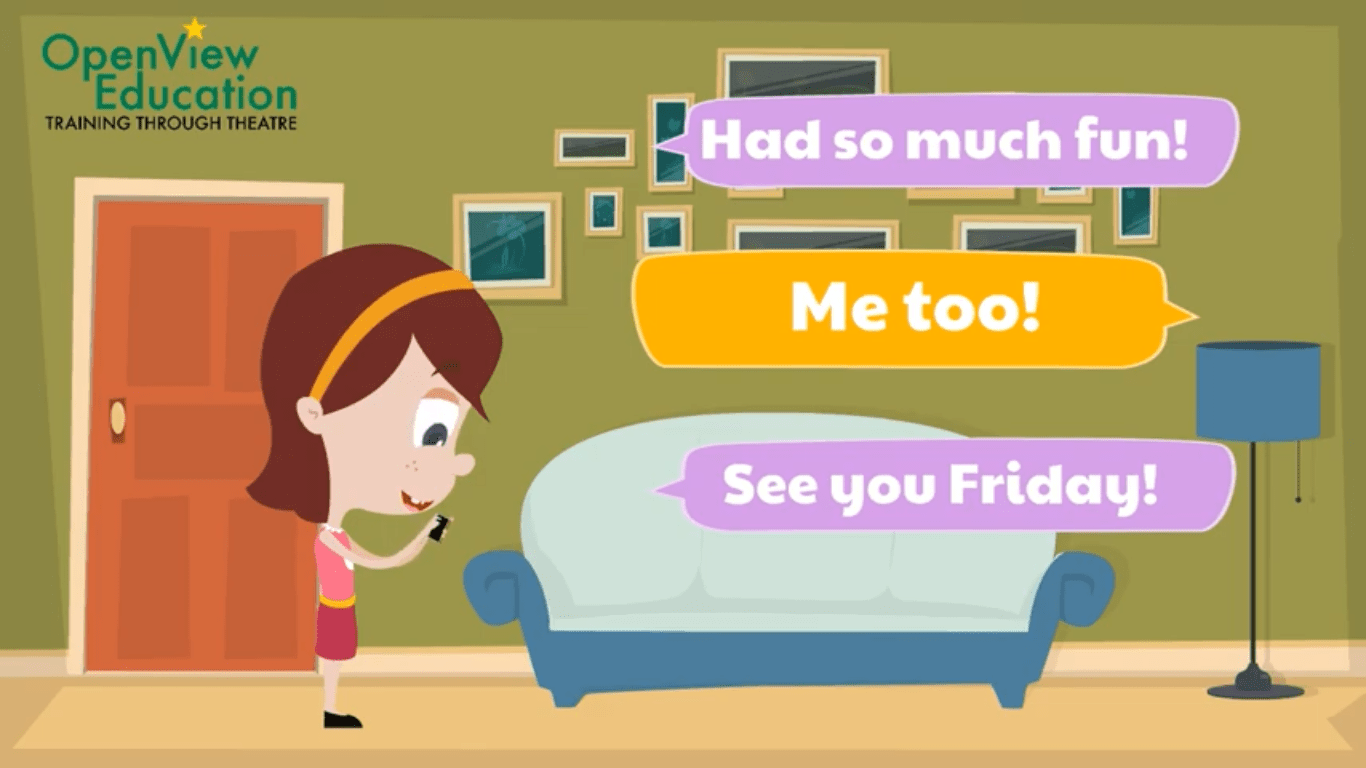
E-Safety Lesson Plan – Letter from a Friend

Key Stage 2

Internet Safety Lesson Plan Letter from a friend

Lesson Aims

  • Students discuss the Power to Choose Workshop as a class.
  • Students write a reply to one of the Letters from a Friend.

Digital Skills for Life Poster

Upper Key Stage 2

Digital Skills for Life Poster

This poster reminds pupils of the key messages from their Digital Skills for Life workshop.
Display it in your classroom to help pupils remember and use these skills every day.

One Good Choice 

Assembly Review Lesson Plan

Years 3, 4 and 5. 

E-Safety Assembly Review Lesson Plan

This lesson plan can be used after your students have taken part in the One Good Choice Internet Safety Assembly.

Use this PowerPoint to discuss what your students saw in the assembly. Throughout the PowerPoint there are questions that you can use to prompt discussion with your class.

Stop, Block, Screenshot, Exit Poster

Key Stage 2

Stop Block Screenshot Exit - E-Safety Poster

This poster includes the four steps students can take if they see unkind messages or online bullying in a group chat.

Display this poster in your classroom to start a positive discussion around conflicts in Group Chats.

One Good Choice Pledge

Key Stage 2

One Good Choice Pledge Template

Use this template for your students to create their online safety pledge. Your student’s pledges can then be used to create an internet safety wall display in your classroom.

One Good Choice Rap + Backing Track

Key Stage 2

One Good Choice Backing Track
This PowerPoint includes the words and the backing track for the One Good Choice Rap. You can use this PowerPoint to review the rap with your class.

Digital Skills for Life – Review Lesson Plan

Key Stage 2

Digital Skills for life - Review Lesson Plan

This short follow-on lesson helps pupils reflect on the Digital Skills for Life workshop and apply what they’ve learned to real online situations.

The lesson includes simple discussion activities and realistic scenarios to support safe, kind, and respectful online communication.

    Internet Safety Wizards Review Lesson Plan 

    EYFS & KS1

    Internet Safety Wizards Lesson Plan

    *This Lesson Plan is to be used after your students have taken part in the E-Safety Wizards Workshop.

    Lesson Aims

    • Students talk about what they learnt during the E-Safety Wizards Workshop.
    • Students practice the Internet Safety Spell.
    • Students create an E-Safety Wizards poster.